UI / UX Design

UI and UX design that feels effortless to use

We plan how people move through your website or app, then design screens that are clear, attractive and easy to use on every device.
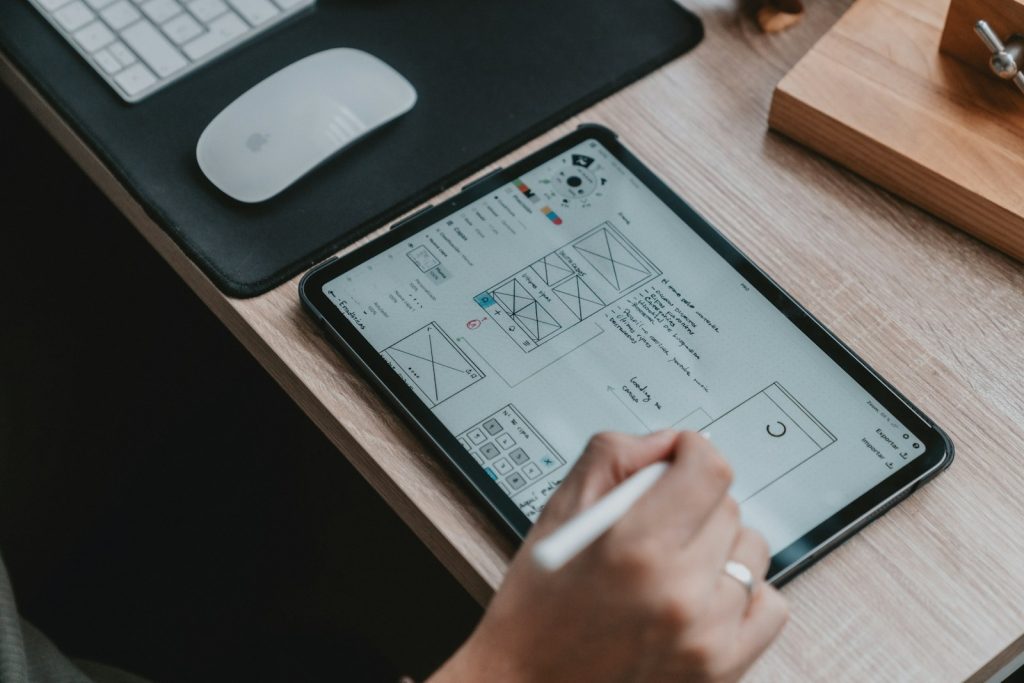
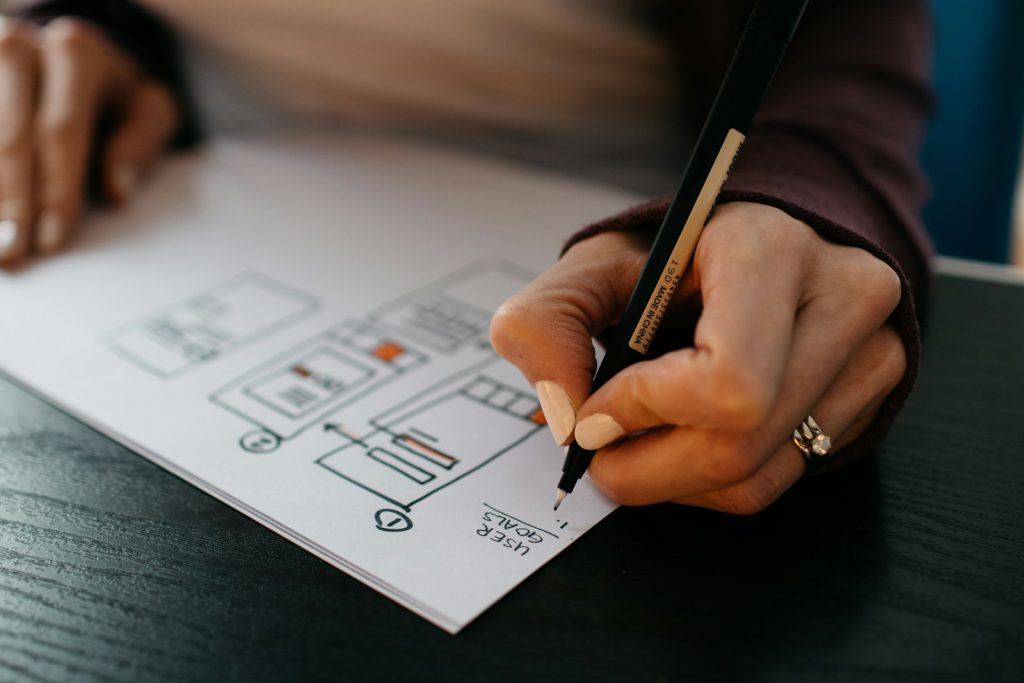
Designer sketching website wireframes on paper

User experience (UX) is how it feels to use your website: whether people can find what they need, understand what you offer and complete a task without getting stuck. User interface (UI) is how it looks: the layout, colours, buttons and typography that guide the eye.

When either one is off, visitors leave, even if your service is excellent. Most people now browse on their phones and give a page only a few seconds to prove it is worth their time. Confusing menus, tiny buttons and walls of text all push them away.

We design both together. We start with your customers' goals, map the journey through your site, test the structure with wireframes and then craft polished screens that match your brand. The aim is simple: a site that feels obvious to use.

What’s included

Everything you need, handled for you

User research

Understanding who your customers are and what they need to do.

Site structure

Clear navigation and page hierarchy so content is easy to find.

Wireframes

Low-detail layouts to agree on structure before design begins.

Clickable prototypes

Interactive mock-ups you can try before anything is built.

Mobile-first interfaces

Thumb-friendly buttons and layouts designed for small screens.

Accessible design

Readable text, strong contrast and keyboard-friendly controls.

Hands arranging paper wireframes of mobile app screens
Wireframes let us test the structure quickly before any visual design starts.
Our process

How we work, step by step

1

Understand

We talk about your users, review analytics if you have them and look at how competitors handle the same tasks.

2

Map the journey

We define the key paths, such as finding a service and getting in touch, and remove steps that slow people down.

3

Wireframe and test

We sketch the layouts and walk through them with you to make sure everything important has a clear place.

4

Design the interface

We apply your brand to create polished, consistent screens and a set of reusable components for developers.

What you get

  • Visitors find what they need faster
  • More people complete forms, bookings and purchases
  • Fewer support questions from confused customers
  • A consistent look across every page and device
  • Better accessibility for all users
FAQ

UI / UX Design questions

What is the difference between UI and UX?

UX is the overall experience and structure: how easy it is to get things done. UI is the visual layer: the look of the screens and controls. Good design needs both working together.

Do you design apps as well as websites?

Yes. We design interfaces for web apps and mobile apps, and can hand over organised design files and prototypes for your development team.

Can you improve my existing site without a full redesign?

Often, yes. We can audit your site, find the biggest usability problems and fix the pages that matter most first.

Get a free quote

Tell us about your project and we will reply with a clear plan and price.

Start your project

Weather near you

Detecting your location…

Let’s talk about your ui / ux design project

Share a few details and we will reply with ideas, a timeline and a clear quote.